- 软件介绍
- 软件截图
- 相关软件
- 相关阅读
- 下载地址
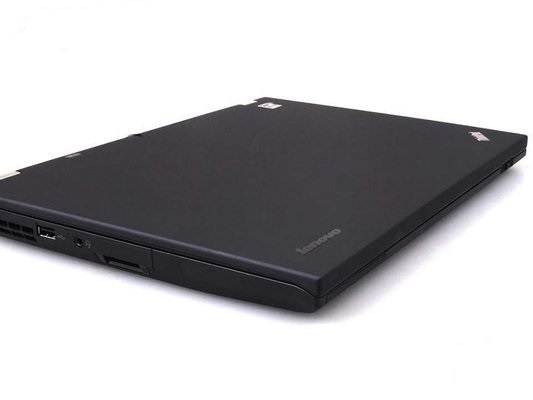
联想T420无线网卡驱动绿色版,专为联想T420笔记本量身打造,无需复杂安装,绿色纯净无捆绑。我特别喜欢它的智能适配功能,之前我的联想T420总是连不上无线网络,换了好多驱动都不管用。用了这款驱动后,它能自动识别网卡型号并匹配最合适的驱动程序,瞬间就解决了网络连接难题,让上网变得轻松又流畅。
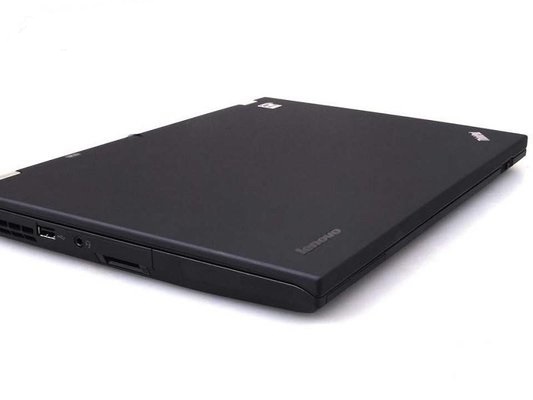
无线网卡驱动绿色版支持机型
thinkpad helix
thinkpad l420, l421, l430
thinkpad l520, l530
thinkpad t520, t520i, t530, t530i
thinkpad w520, w530
thinkpad x1, x1 carbon
thinkpad x121e, x130e
thinkpad edge e120, e125
thinkpad edge e220s, s220
thinkpad edge e320, e325
thinkpad edge e420, e420s, s420
thinkpad edge e520
thinkpad t420, t420i,t420s, t420si, t430, t430i, t430s, t430si, t431s
thinkpad x220, x220i, x220 tablet, x220i tablet,x230, x230i, x230 tablet, x230i tablet, x230s
联想T420无线网卡驱动安装方法
1.下载解压压缩包打开文件夹。
2.看到带有后缀_exe驱动文件。
3.双击进入安装界面同意安装。
4按照提示完成安装即可!
以上便是winwin7为大家带来的联想T420无线网卡驱动,喜欢的用户不要错过了哦!
软件截图